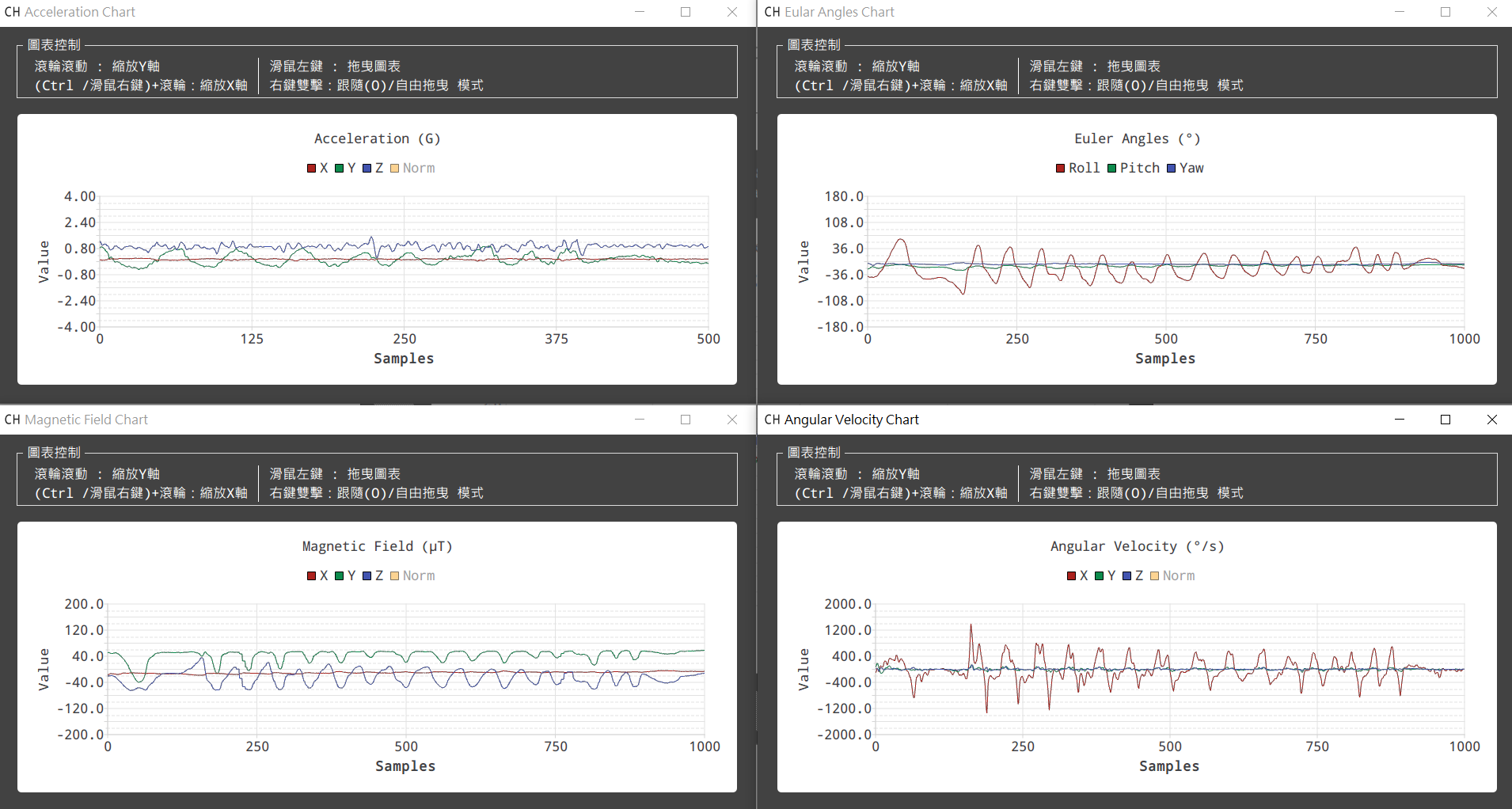
Live data and waveforms
Review acceleration, angular velocity, magnetic field, Euler angle, and related output data.
ANROTIMU UI
Windows / Linux host tool for ANROT IMU / VRU / AHRS connection, live data, attitude display, and logging.
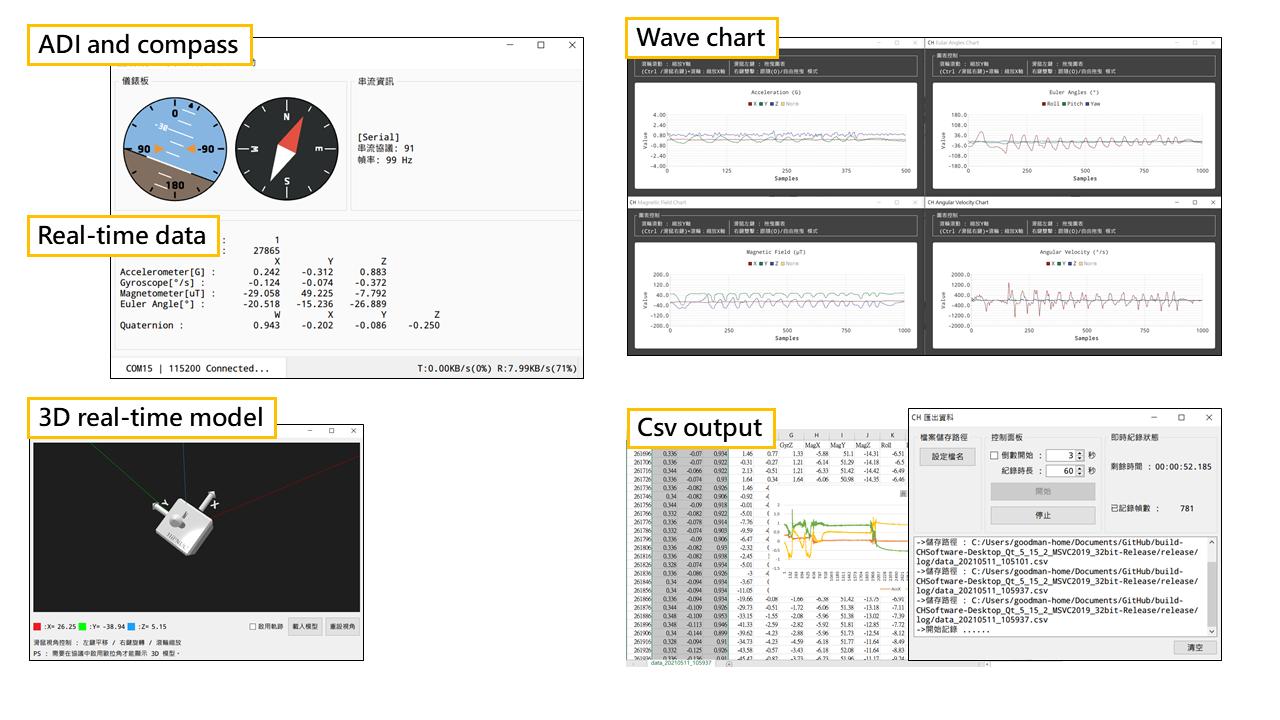
Core setup and inspection tools in one utility.
Review acceleration, angular velocity, magnetic field, Euler angle, and related output data.
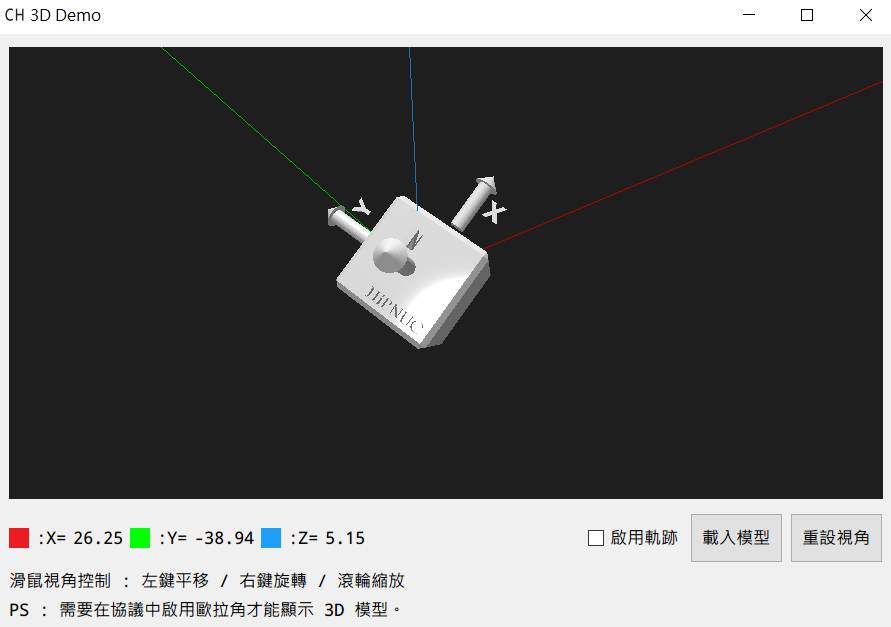
Confirm Roll / Pitch / Heading and mounting direction quickly.
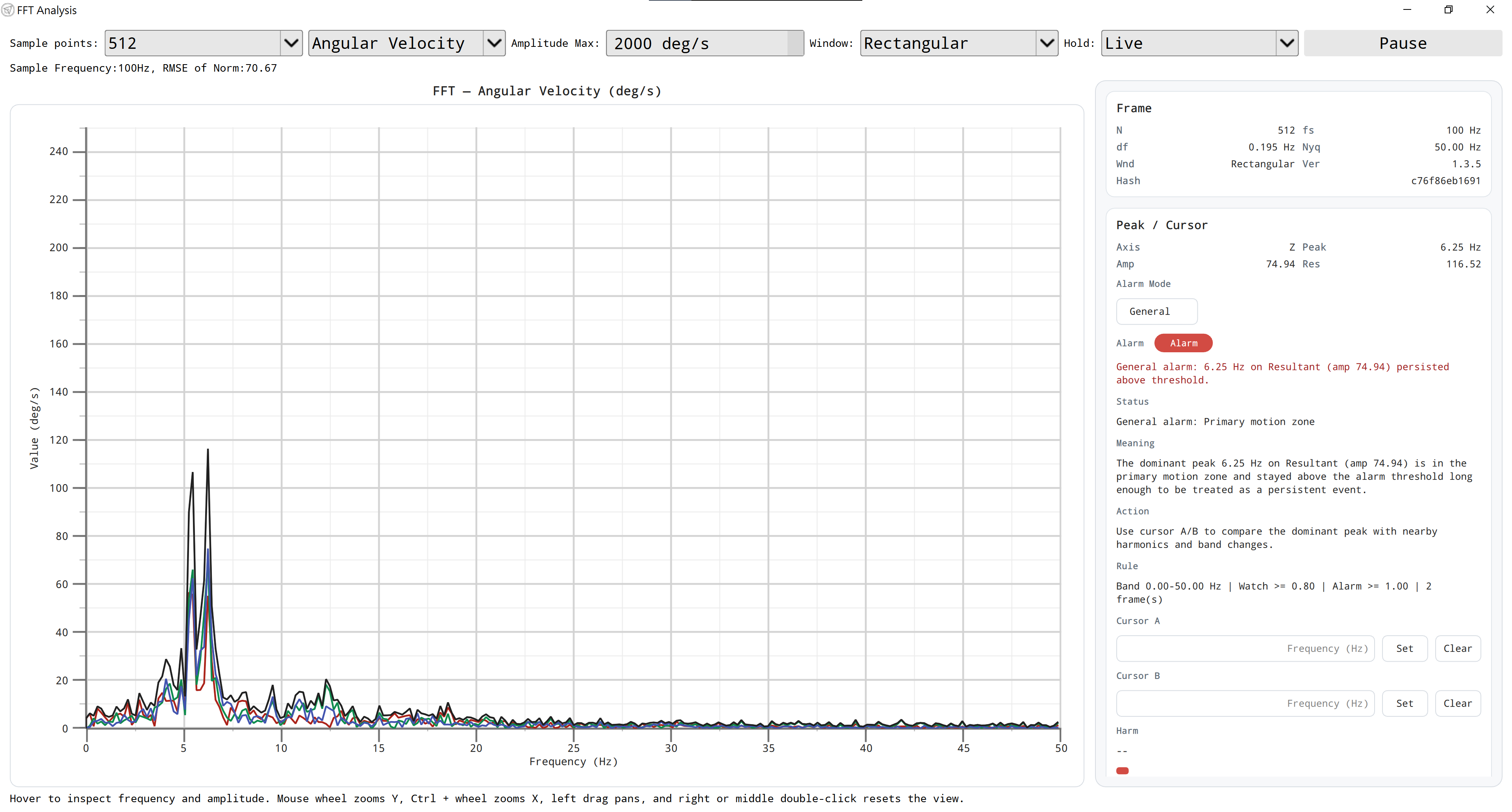
Check vibration behavior and data quality during field setup.
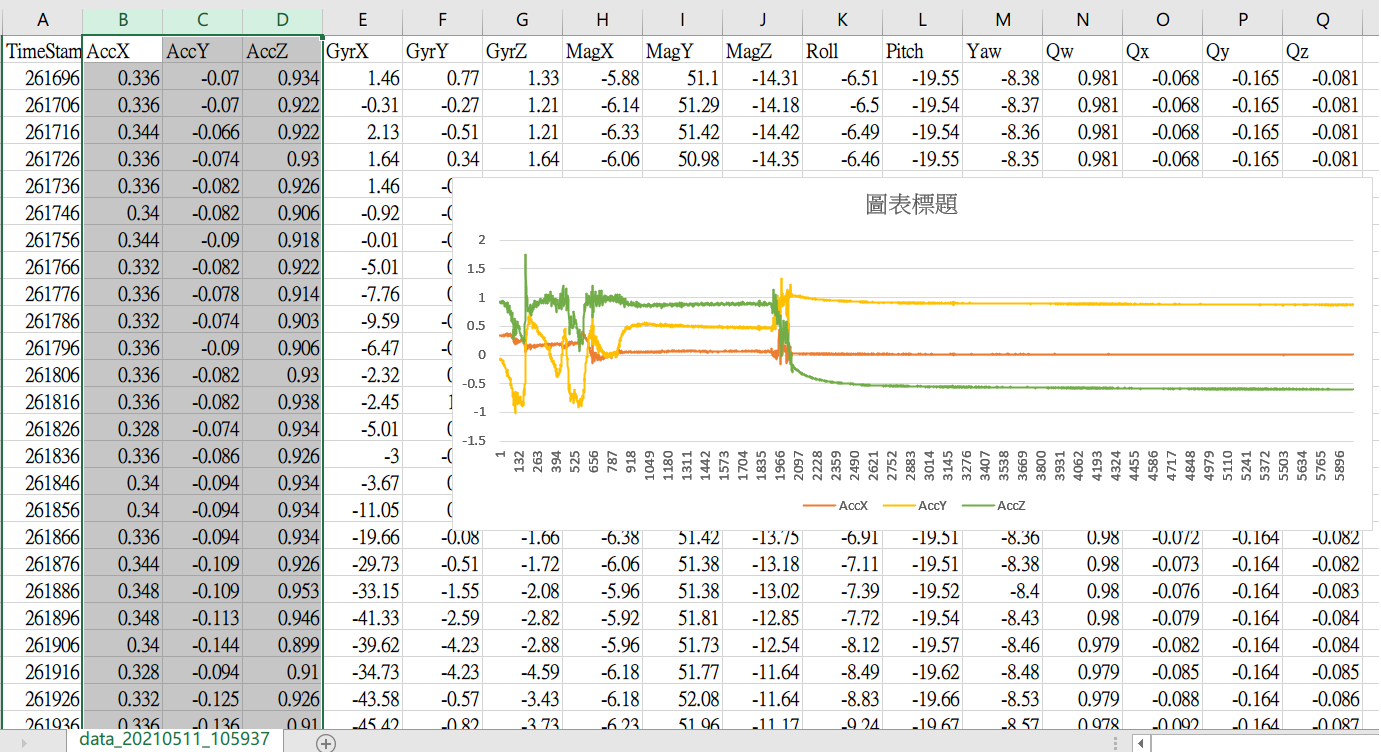
Export test data for reports, comparison, and offline analysis.
Select COM Port / Baud Rate and confirm device output.
Review live values, waveforms, and 3D attitude.
Set sample rate, ID, and related parameters, then export CSV data.
Use the latest release by default. Expand older packages only when an existing project needs the same environment.
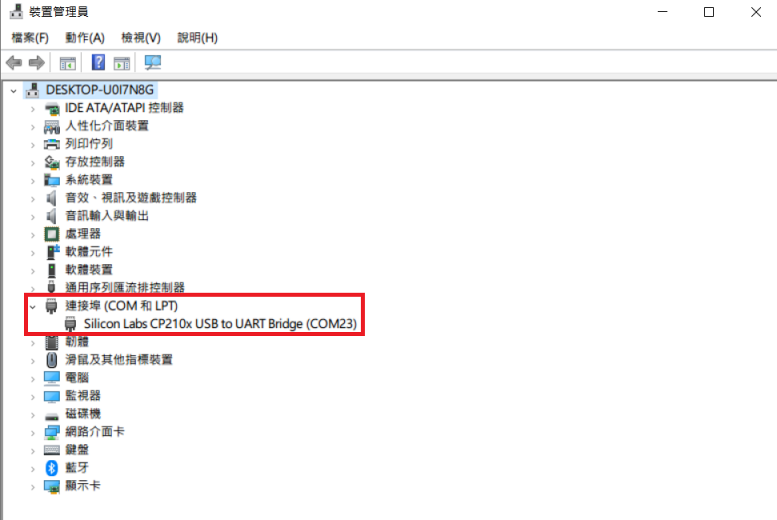
If Windows does not show a COM Port, install the matching USB driver and reconnect the device. Linux usually includes the driver; confirm the connection from ttyUSBX.